
Guides · Change orders
How to handle change orders on a renovation
Changes are normal. Disputes aren’t. How to price, document and approve changes so the job stays profitable and the relationship stays good.
 By Hussen Lotfi, Eng.Founder of QuotActiv · 15+ years in renovation · Updated October 17, 2026 · 6 min read
 Change orders · 6 min
In short: set the rules for changes in the contract, write every change down with its price and its effect on the schedule, get it approved before you do the work, and keep the updated total visible to the homeowner.
Why change orders go wrong
Almost every renovation changes along the way: a homeowner upgrades a fixture, adds a niche, or you open a wall and find rot. The changes themselves are rarely the problem. Disputes come from changes that were agreed verbally, priced after the fact, or never connected to the total the homeowner expects to pay.
Set the rules before the job starts
Your contract should say how changes work, so nobody improvises later:
- How a change is requested, and who can approve it.
- How changes are priced, including any minimum charge.
- How hidden conditions, such as rot or old wiring, are handled.
- How changes affect the schedule and the payment schedule.
What a good change order includes
Every change order should answer the same questions: what is changing, why, what it costs, how it affects the schedule, when it will be paid, and who approved it. If any of those is missing, that’s the part the dispute will be about.
Price changes like any other work
A change is new work, and it deserves your normal margin. Include the coordination time it costs you: re-ordering material, rescheduling a trade, an extra trip. Small changes add up, so a minimum charge per change order is common and fair.
Get approval before the work, not after
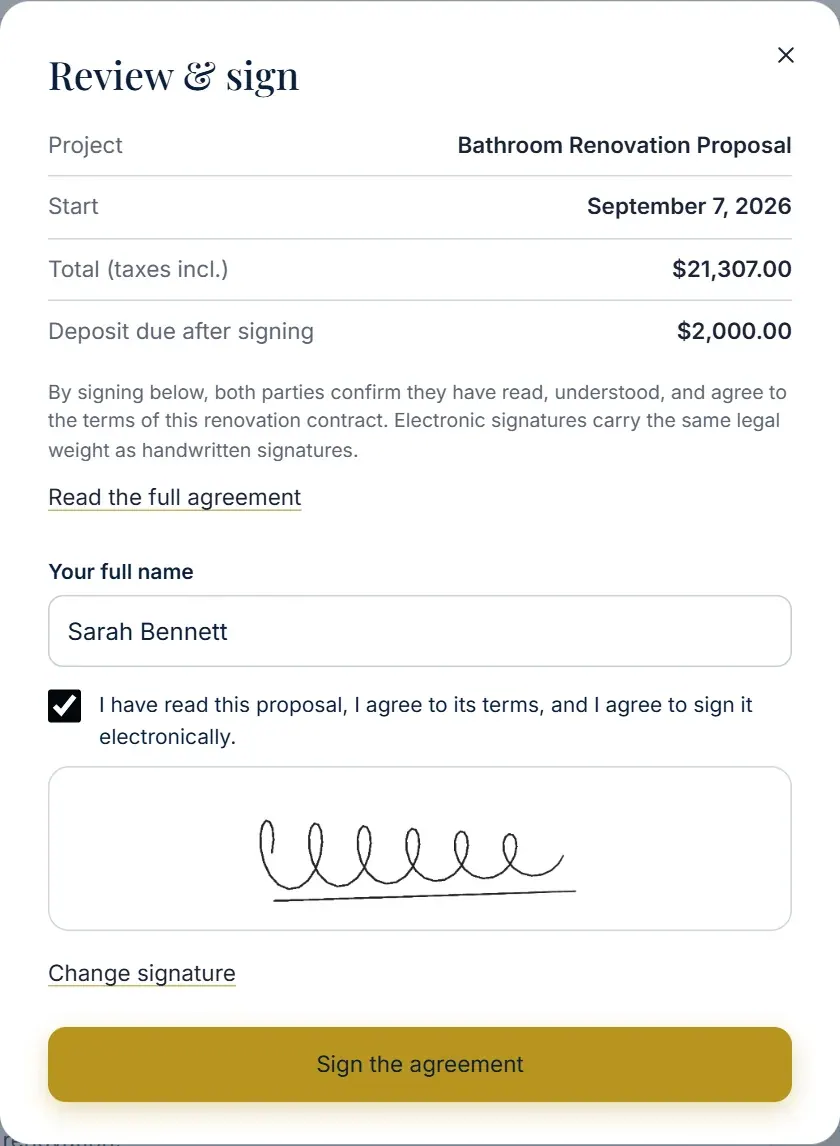
It’s tempting to “just do it” to keep the job moving. Don’t. Send the change order and get it approved, in writing or by e-signature, before the work starts. For hidden conditions, take photos and share them with the change order, so the homeowner sees what you found.
Keep the total visible
After each approved change, show the updated contract total and how it affects the next payment. Homeowners accept changes far more easily when the running total never surprises them.
Key takeaways
- Write the rules for changes into the contract.
- Every change order states what, why, price, schedule and payment.
- Price changes with your normal margin, plus coordination time.
- Approve before the work, with photos for hidden conditions.
- Always show the updated contract total.
How QuotActiv helps: Projects & Profitability keeps the accepted scope, invoices, expenses and job profitability together in one project, so you always know where the job stands.